


Blog
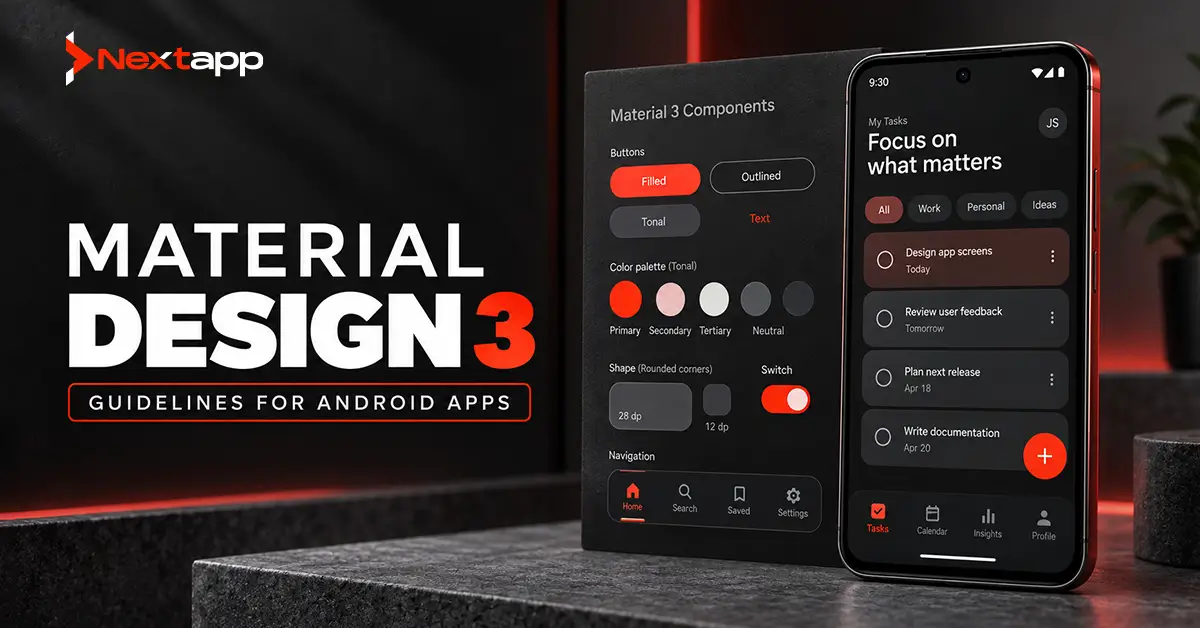
Material Design 3 Guidelines for Android Apps
Material Design 3 is Google’s current design system for creating Android interfaces with consistent components, typography, color, shapes, motion, and interaction patterns. It gives Android teams a…
Everything we have written about Blog.
Material Design 3 is Google’s current design system for creating Android interfaces with consistent components, typography, color, shapes, motion, and interaction patterns. It gives Android teams a…
An Android application does not need to crash to become unusable. Sometimes the screen remains visible, but taps stop working. Navigation freezes. A loading state never completes. The user waits,…
Android app performance affects how quickly users can open an application, move between screens, scroll through content, complete actions, and rely on the product during everyday use. A slow…
Android tablets give applications more space, but simply making a phone interface wider does not create a good tablet experience. A phone layout is usually designed around limited horizontal space.…
Publishing an Android app on Google Play requires more than uploading a working application and completing the store listing. Developers also need to explain how the app collects, shares, protects,…
Passwords and PINs remain important, but users increasingly expect faster ways to confirm their identity inside mobile applications. Fingerprint and facial authentication can make repeated sign-ins…
Android applications often store information that should not be exposed if a device, application package, backup, or local file becomes accessible to an unauthorized person. The data may include…
Android gives businesses access to a huge device ecosystem, but that variety creates an important testing challenge. The same application may run on premium phones, budget devices, tablets,…
Android applications rarely fail in exactly the same way for every user. A crash may affect only one Android version. An ANR may appear primarily on lower-memory devices. A new release may introduce…