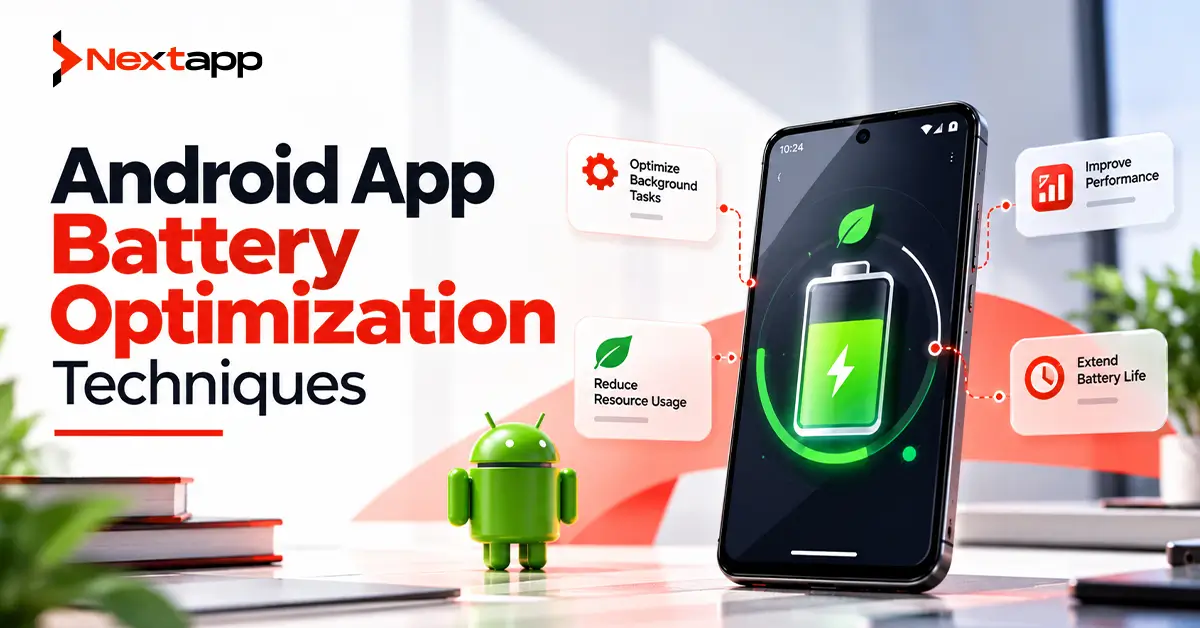
Users notice when an application drains their battery.
They may not know whether the problem comes from location updates, networking, wake locks, background services, or poorly scheduled work. They simply notice that their phone loses charge faster after installing or using the app.
Once users associate an application with battery drain, the consequences can include negative reviews, reduced engagement, disabled permissions, and uninstalls.
Android app battery optimization techniques are therefore not only about technical performance. They are part of retention, user experience, and product quality.
Battery-efficient Android development requires teams to understand what the app does while the user is actively using it, what continues after the screen is turned off, how often the app wakes the device, and which tasks genuinely need immediate execution.
The goal is not to prevent the application from doing useful work.
The goal is to stop it from doing unnecessary work.
Measure Battery Use Before Optimizing
Battery optimization should begin with evidence.
Avoid assuming that one particular feature is responsible simply because it looks expensive.
An Android application can consume power through:
CPU activity
Network requests
Location
Sensors
Wake locks
Background tasks
Frequent alarms
Large media processing
AI inference
Use Android performance tools and real-device testing to determine what the application is actually doing.
Power Profiler can help developers inspect device power behavior during development.
Android vitals can provide production information about problematic behavior experienced by real users.
As of 2026, excessive partial wake locks are especially important because battery-related technical quality can also affect Google Play visibility.
Reduce Unnecessary Background Work
One of the most important battery questions is:
Does this task really need to run now?
Suppose an ecommerce application refreshes recommendations every five minutes, even when the user has not opened the app for several hours.
The device repeatedly wakes, uses CPU, makes network requests, processes the response, and returns to sleep.
Most of that work provides no immediate value.
Background operations should have a clear reason to exist.
Examples of legitimate work may include:
Synchronizing important user data
Uploading completed offline work
Processing a user-requested file
Performing scheduled maintenance
Do not create recurring work simply because background execution is technically possible.
Use WorkManager for Suitable Persistent Tasks
WorkManager is Android's recommended option for many persistent tasks that need to run reliably even if the user leaves the application.
Examples include:
Data synchronization
Log uploads
Backup operations
Deferred processing
WorkManager allows developers to specify conditions under which work should run.
For example:
Sync large dataset
→ device charging
→ network available
Instead of:
Sync large dataset
→ immediately
→ regardless of battery level
Constraints let Android perform work at more appropriate times.
This can improve both battery consumption and reliability.
Apply Work Constraints Carefully
Useful WorkManager constraints may include:
Network availability
Unmetered network
Device charging
Sufficient battery
Sufficient storage
Do not apply every possible constraint automatically.
The appropriate configuration depends on the task.
A critical small synchronization may only need connectivity.
A large backup operation may reasonably wait for charging and Wi-Fi.
The objective is to balance timeliness with battery impact.
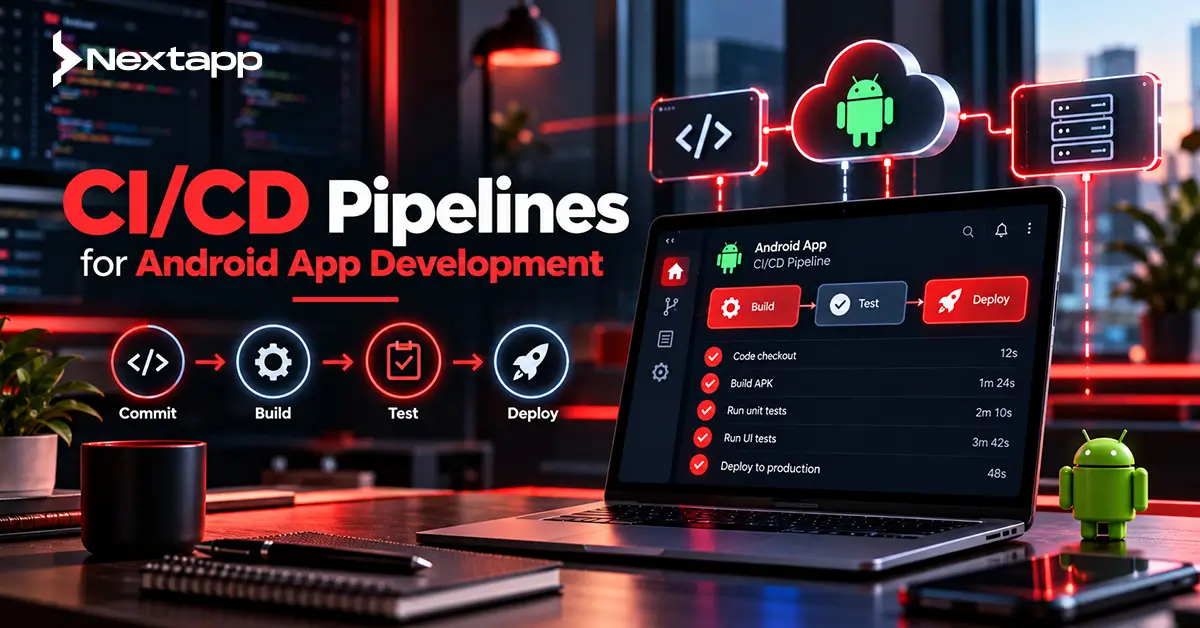
Good CI/CD pipelines for Android app development should also include tests or validation for background-work behavior so inefficient scheduling is caught before production.
Respect Doze and App Standby
Android includes power-management systems designed to reduce unnecessary work while devices are inactive.
Doze reduces background CPU and network activity when the device has been unused for a period.
App Standby can restrict background activity for applications the user has not interacted with recently.
Developers should design with these systems rather than trying to work around them.
If a background task can wait, let it wait.
Trying to bypass power restrictions for nonessential tasks can waste battery and make application behavior less predictable.
Test how important functionality behaves under Doze, standby, battery saver, and other constrained device conditions.
Use Firebase Cloud Messaging Instead of Polling
Polling is a common source of unnecessary network activity.
Imagine a messaging application asking its server every minute:
“Are there any new messages?”
Most requests may return nothing.
A better design can use Firebase Cloud Messaging for Android push notifications.
The backend sends a message when something actually changes.
For example:
New message arrives
→ server sends FCM event
→ app receives notification or synchronization signal
This reduces unnecessary periodic networking.
Push messaging should still be implemented carefully. Not every server change needs a high-priority notification.
Limit High-Priority Push Messages
High-priority FCM messages are intended for genuinely time-sensitive, user-visible events.
Do not classify every notification as urgent simply to encourage faster delivery.
Appropriate examples may include:
Important incoming communication
Time-sensitive account activity
Critical delivery status
A content refresh that can happen later generally does not need the same priority.
Notification architecture and battery architecture should support each other.
Avoid Excessive Wake Locks
Wake locks allow an application to keep parts of the device active when Android might otherwise enter a lower-power state.
They can be necessary for specific tasks.
They can also become major battery problems when used incorrectly.
A partial wake lock can keep the CPU running after the display turns off.
Problems occur when developers:
Hold wake locks too long
Forget to release them
Use them for work that does not require one
Repeatedly acquire them in background processes
Wake locks should be used only when necessary and released as soon as the required work is complete.
Modern Android APIs frequently provide better ways to schedule work without manually managing wake locks.
Monitor Excessive Wake Locks in Android Vitals
Android vitals now surfaces excessive partial wake lock behavior.
This makes battery optimization measurable in production rather than only during development.
Engineering teams should treat battery metrics similarly to:
Crash rates
ANRs
Startup performance
If a release suddenly increases wake lock usage, investigate it before the problem spreads across the user base.
Battery regressions should become part of release-quality reviews.
Avoid Unnecessary Wakeup Alarms
Wakeup alarms can bring a device out of low-power states.
Using too many alarms can consume significant battery.
Ask whether an action truly needs to happen at an exact moment.
For example:
Medication reminder at 8:00 AM
→ may justify exact timing depending on product requirements
Background analytics upload at 8:00 AM
→ probably does not
Many tasks can tolerate flexible scheduling.
Letting Android batch work more efficiently reduces unnecessary device wakeups.
Optimize Location Requests
Location is one of the most expensive resources mobile apps can use.
A navigation app may genuinely need frequent location updates during an active route.
A restaurant application probably does not need high-accuracy location continuously in the background.
Choose location behavior based on the actual user experience.
Consider:
Required accuracy
Update frequency
Duration
Foreground vs background use
Whether location is still needed when the task ends
Stop location updates as soon as the feature no longer requires them.
A common battery problem is starting tracking correctly but failing to stop it when the user completes the workflow.
Match Sensor Frequency to the Use Case
Sensors can also consume power when sampled continuously.
Applications may use:
Accelerometer
Gyroscope
Heart-rate sensors
Camera
Motion sensors
A fitness application may need frequent sensor data during an active workout.
The same sampling rate may be unnecessary when the workout ends.
Do not collect sensor information merely because it might become useful later.
Activate sensors when needed and unregister listeners when they are no longer required.
Batch Network Requests Where Possible
Frequent small network requests can be less efficient than carefully grouped operations.
Consider an enterprise app that uploads:
Status update
→ network request
Photo metadata
→ second request
Analytics event
→ third request
Another status
→ fourth request
Where the product allows it, some background data can be batched.
Fewer network activations can reduce overhead.
However, do not batch urgent user-visible actions simply to save battery.
A payment confirmation or critical workflow update may need immediate processing.
Battery optimization should not damage product correctness.
Cache Data Instead of Downloading It Repeatedly
Network use can often be reduced through sensible caching.
Suppose a product catalog changes once per day but the application downloads it every time the user opens a screen.
A local cache can reduce unnecessary transfers.
A repository architecture can decide whether information should come from:
Local database
Memory cache
Remote API
Good caching can improve:
Battery consumption
App speed
Data usage
Offline behavior
The cache still needs a freshness strategy so users are not shown outdated information indefinitely.
Optimize Images and Media
Large images create work for the network, CPU, GPU, and memory system.
Do not download a 4K image when the application displays a small thumbnail.
Use appropriately sized media.
Applications should consider:
Image dimensions
Compression
Caching
Lazy loading
Video quality
Media-heavy interfaces should also stop playback or processing when it is no longer useful.
A video continuing silently in an invisible screen is wasted work.
Control AI and Machine Learning Workloads
Modern apps increasingly use AI and machine learning integration in Android apps.
On-device inference can improve privacy and reduce cloud dependency, but machine learning also consumes CPU, GPU, NPU, memory, and battery.
Do not continuously run a model when the user is not benefiting from the output.
For camera-based AI, consider:
Frame sampling rate
Model size
Hardware acceleration
Whether every frame requires inference
A recognition feature may perform well at several analyses per second without processing every available camera frame.
Measure before deciding.
Make Deep Links Efficient
An Android deep linking implementation guide usually focuses on navigation, but deep-link entry can also expose unnecessary startup work.
Suppose a user taps a link directly to:
Order #582
The app should not necessarily load:
Home feed
recommendations
every account tab
analytics dashboard
Order #582
before showing the order.
Load what the destination needs.
Efficient deep-link startup improves both responsiveness and resource use.
Reduce Unnecessary Animations and Rendering
Animations can improve user experience, but continuous rendering consumes processing resources.
Be especially careful with:
Infinite animations
Constant background effects
Complex visualizations
Off-screen animation
Pause or stop visual work when it is no longer visible.
Battery optimization does not require eliminating animation.
It requires avoiding rendering that provides no value.
Review Third-Party SDKs
The application code may not be the only source of battery drain.
Third-party SDKs can perform:
Analytics
Advertising
Location collection
Background synchronization
Network requests
Audit dependencies carefully.
Ask:
Does this SDK run background work?
How frequently?
Does it collect location?
Does it create wake locks?
Can features be disabled?
A poorly behaving dependency can damage the application's battery reputation even if the core product code is efficient.
Test Battery Performance on Real Devices
Emulators are useful for functional development, but battery behavior should also be evaluated on real hardware.
Test across:
Low-end phones
Mid-range devices
Flagship phones
Different Android versions
Watch for:
Heat
rapid battery decline
excessive network activity
persistent background execution
Developers should also test long sessions.
Some problems do not appear during a five-minute QA check.
A wake lock leak may become obvious after several hours.
Add Power Testing to the Release Process
Battery efficiency should not depend on one developer remembering to check it before launch.
Include performance review in CI/CD pipelines for Android app development where practical.
Automated and repeatable checks can help identify regressions involving:
Background work
Wake locks
CPU usage
Network behavior
Performance-sensitive features
Production Android vitals should then complement pre-release testing.
Watch for changes after every significant release.
Follow Current Android Power Changes
Power-management behavior continues evolving with Android.
Teams should regularly review what's new for Android developers in the latest Android OS release.
A background pattern that worked several Android versions ago may no longer be appropriate.
Platform changes can affect:
Foreground services
Background execution
Alarms
Jobs
Permissions
Maintaining battery quality requires keeping the application's architecture aligned with the current Android platform.
Apply Battery Optimization Across Platforms
Businesses using Flutter app development, React Native app development, or broader cross platform app development still need Android-specific battery testing.
Shared code does not remove Android power-management behavior.
Native iOS app development also has its own background execution and energy-management rules.
Cross-platform teams should establish shared product expectations while testing actual power behavior separately on Android and iOS.
Battery Efficiency Supports Retention and Store Performance
Users expect an application to respect their device.
An app that drains power while doing little useful work creates a poor impression quickly.
Battery quality can affect:
Reviews
User retention
Engagement
Uninstall decisions
Google Play technical quality
This also connects indirectly with app store optimization.
Strong keywords and screenshots may help an application earn an install, but poor battery behavior can undermine the value of that acquisition after the user starts using it.
Professional Android app development services can help teams profile power usage, redesign background work, optimize networking, manage location, reduce wake locks, audit SDKs, and monitor battery-related production metrics.
Battery optimization is not about stopping background functionality.
It is about making sure every background action earns the power it consumes.
Frequently Asked Questions
What causes Android apps to drain battery?
Common causes include excessive background work, frequent network requests, continuous location tracking, sensor use, wake locks, wakeup alarms, media processing, third-party SDK activity, and computationally expensive features such as on-device AI.
What is the best Android API for background tasks?
WorkManager is the recommended solution for many persistent deferrable tasks. Other APIs may be appropriate for specific use cases, so developers should choose based on whether the work is immediate, user-visible, exact, or deferrable.
Do push notifications save battery?
Push messaging such as Firebase Cloud Messaging can reduce the need for frequent polling because the server can notify the device when relevant information changes. Poorly designed high-priority notification behavior can still waste resources.
Why are wake locks bad for battery life?
Wake locks can prevent the device from entering lower-power states. They are sometimes necessary, but excessive or unreleased wake locks can keep the CPU active unnecessarily and significantly increase battery consumption.
Should Android developers still use Battery Historian?
Battery Historian still exists, but Google states that it is no longer actively maintained and recommends considering newer options such as Power Profiler, system tracing, and Macrobenchmark power metrics where possible.
Can Flutter and React Native apps have Android battery problems?
Yes. Cross-platform applications still run on Android and are affected by Android background execution, networking, location, sensors, notifications, and native SDK behavior. Battery performance should be tested on real Android devices regardless of the framework.