Android development no longer means building only for smartphones.
Businesses can extend their products to smartwatches, televisions, vehicle displays, tablets, foldables, Chromebooks, and other large-screen devices.
The opportunity sounds attractive, but it creates an important product decision:
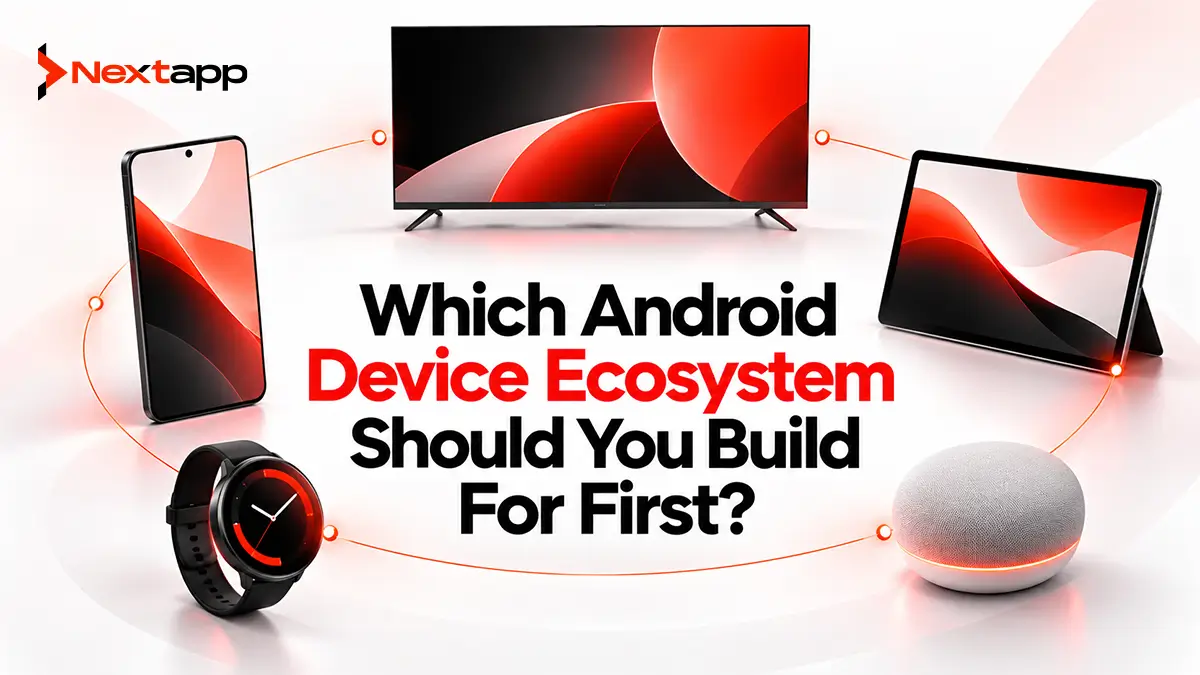
Which Android device ecosystem should you build for first?
The answer should not depend on which platform looks most innovative.
A fitness company may create much more value through Wear OS than Android TV. A video-streaming business will probably see the opposite. A logistics platform might benefit from Android Auto, while an enterprise SaaS product may generate stronger returns by improving its tablet and Chromebook experience.
The best ecosystem is the one that places useful functionality on the device where your customers naturally need it.
This guide compares Wear OS, Android TV, Android Auto, and large-screen Android from a business perspective so you can decide where your next development investment belongs.
Start With the User Context
Before comparing technologies, identify where customers use your product.
Ask:
Are users moving?
Are they sitting on a couch?
Are they driving?
Are they working at a desk?
Do they need a quick glance or a long session?
Is the device personal or shared?
Does the new platform solve a real problem?
These questions narrow the decision quickly.
A smartwatch works well for interactions lasting a few seconds.
A TV works well for media consumption and shared viewing.
Android Auto works when the product supports a legitimate task during a journey.
A tablet or Chromebook supports longer and more complicated workflows.
Device expansion should follow context.
Android Device Ecosystems at a Glance
Ecosystem | Best Fit | Typical Interaction | Strong Business Opportunities | Main Challenge |
|---|---|---|---|---|
Wear OS | Fitness, health, alerts, productivity companions | Seconds | Health tracking, notifications, quick actions | Small screen and battery limits |
Android TV | Streaming, fitness content, education, signage | Minutes to hours | Subscription media, training, hospitality, displays | Remote-first navigation and playback |
Android Auto | Navigation, mobility, audio, POI, messaging | Short driving-safe actions | Logistics, charging, parking, audio | Strict supported categories and safety rules |
Large-screen Android | SaaS, enterprise, productivity, creative tools | Longer sessions | Tablets, Chromebooks, multitasking workflows | Adaptive layouts and window management |
This table provides a starting point, but the strongest decision comes from matching each platform to your product model.
Wear OS Works Best When Seconds Matter
Wear OS app development for Android wearables is strongest when users benefit from information or actions without taking out their phones.
The watch is always close to the user.
Useful experiences include:
Workout tracking
Health information
Reminders
Account alerts
Task notifications
Quick approvals
Navigation cues
A fitness application may let users start a workout from the wrist.
A banking product may provide transaction alerts.
A field-service platform could display the next assignment.
These experiences work because the watch removes friction.
Businesses That Should Prioritize Wear OS
Wear OS deserves serious consideration for businesses in areas such as:
Fitness
Wellness
Health technology
Productivity
Sports
Navigation
Field operations
Personal finance alerts
The strongest case exists when the phone experience already includes something users repeatedly check during the day.
For example, suppose a fitness app requires users to take out a phone every time they want to check workout progress.
A watch version can make the interaction significantly easier.
The same investment makes less sense for an accounting platform where users spend twenty minutes editing spreadsheets.
Wear OS Development Has Specific Constraints
A wearable interface needs to be:
Glanceable
Fast
Battery-conscious
Easy to operate on a small screen
A smartwatch should not reproduce the entire phone app.
The development team also needs to consider:
Health and sensor APIs
Tiles
Complications
Notifications
Connectivity
Battery use
Wear OS 7 represents Google's latest smartwatch platform direction, but successful development still depends more on solving a wrist-specific problem than adopting the latest platform features.
Wear OS ROI Potential
Wear OS can provide strong ROI when it increases engagement with an existing product.
It may not generate an entirely new business model, but it can increase the frequency and convenience of customer interaction.
For many companies, the watch works best as a companion rather than the primary product.
Android TV Is Strongest for Content and Shared Experiences
An Android TV app development guide starts from a completely different user context.
People usually interact with TV applications from several feet away using a remote.
Sessions may last much longer than smartwatch sessions.
Strong Android TV use cases include:
Video streaming
Live content
Fitness classes
Educational programs
Audio
Corporate training
Digital signage
Hospitality
A streaming platform with an existing video catalog has an obvious reason to consider Android TV.
Its customers already want to consume the product on large television screens.
Businesses That Should Prioritize Android TV
Android TV may deserve first priority for:
Streaming services
Media companies
Fitness platforms
Educational businesses
Sports services
Hotels
Retail signage platforms
Corporate training providers
A workout platform, for example, may discover that users prefer following exercise videos on a television rather than balancing a phone on the floor.
The television changes the way the product can be consumed.
That creates clear value.
Android TV Can Support B2B Products Too
Android TV is not limited to entertainment.
Enterprise use cases can include:
Retail digital signage
Performance dashboards
Training displays
Waiting-room content
Hospitality information
Internal communications
A business deploying displays across hundreds of locations may build a centralized management platform where each TV receives scheduled content.
The business opportunity is therefore different from consumer streaming but still meaningful.
Android TV Requires a Dedicated UX
A television application needs:
D-pad navigation
Visible focus states
Large readable content
Remote-friendly controls
Strong playback performance
Google's current direction favors Compose for TV for modern interfaces.
Simply scaling a mobile application to 1920 × 1080 pixels does not create a good TV product.
Android TV ROI Potential
TV investment is easiest to justify when customers already consume long-form content.
It may support subscriptions directly, increase content consumption, or open a new business distribution channel.
For businesses without media, training, or display-related use cases, TV expansion may offer less value than other Android ecosystems.
Android Auto Works for Journey-Based Products
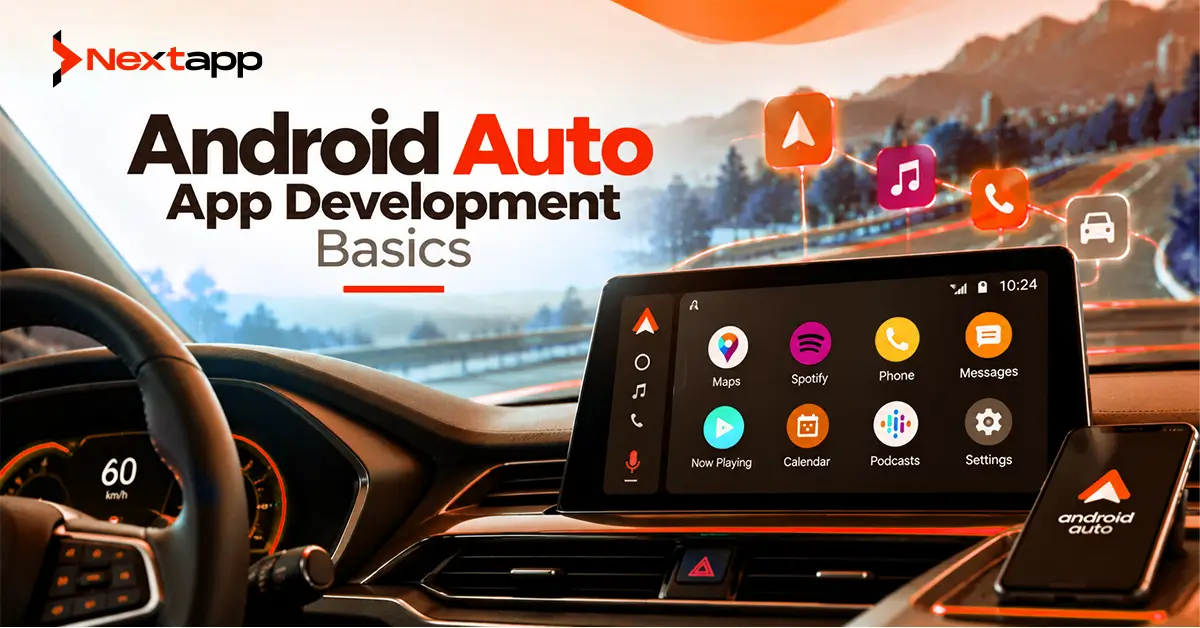
Android Auto app development basics are much more restrictive because the user may be driving.
Businesses cannot treat the vehicle display as another general-purpose screen.
Google permits specific categories of car experiences, including areas such as:
Navigation
Audio media
Messaging
Point of interest
Internet of Things
Weather
The product must fit an approved driving use case.
Logistics and Mobility Can Benefit From Android Auto
For a logistics company, Android Auto may complement an existing driver app.
The phone application could handle:
Delivery details
Signatures
Photos
Forms
Inventory
Android Auto might handle:
Next destination
Route navigation
Journey-related alerts
This division makes sense.
The car display provides only what the driver needs during the journey.
Similarly, mobility businesses can create value through:
EV charging locations
Parking
Fuel stations
Navigation
Audio services
Businesses That Should Prioritize Android Auto
Android Auto is especially relevant to:
Logistics companies
Delivery platforms
Fleet software
Navigation providers
EV services
Parking apps
Audio companies
Connected-device platforms
The opportunity becomes much weaker when the core application involves detailed reading, forms, visual browsing, or complicated interaction.
Those experiences do not belong on a driving screen.
Automotive Development Has Higher Product Restrictions
Android Auto uses driver-optimized interfaces and defined templates for many use cases.
Developers need to design around:
Driver distraction
Limited interaction
Supported categories
Voice input
Short tasks
Car-specific testing
This reduces design freedom but protects the user.
Android Auto ROI Potential
Android Auto can create very high value for a narrow group of products.
A delivery platform that saves drivers several interactions per stop may generate meaningful operational benefits.
A general ecommerce app, however, may find little legitimate use for the platform.
Android Auto therefore has one of the highest requirements for product fit.
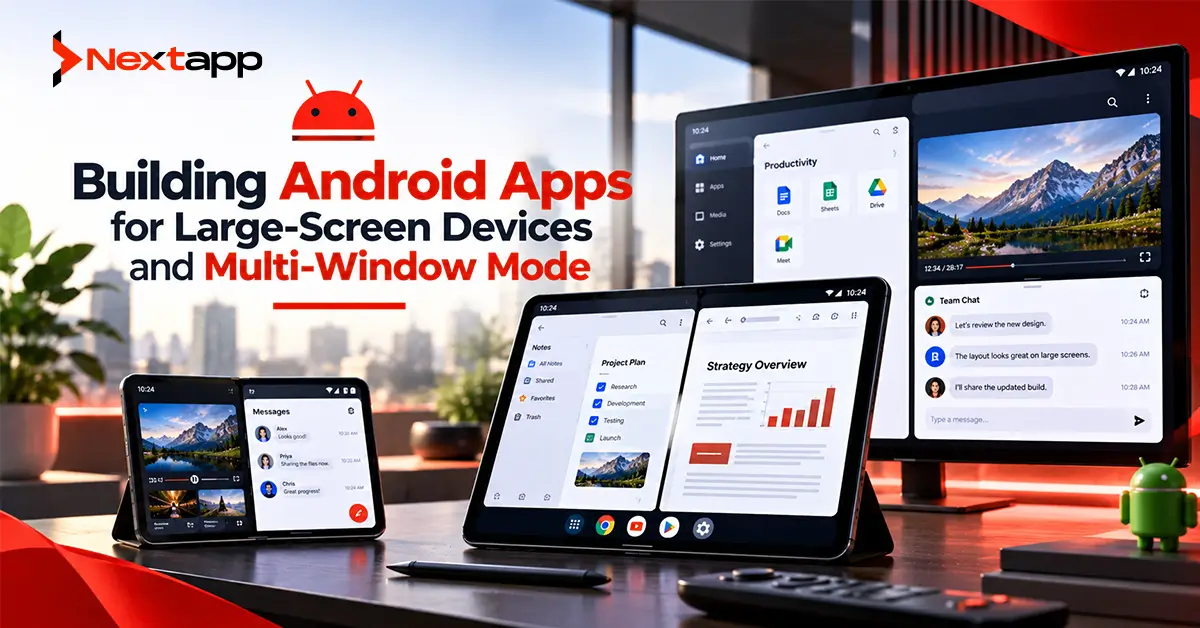
Large-Screen Android Has the Broadest Business Application
Large-screen development covers:
Tablets
Foldables
Chromebooks
Desktop-style Android windows
For many SaaS and enterprise products, building Android apps for large-screen devices and multi-window mode may offer the strongest immediate return.
Unlike Wear OS or Android Auto, businesses do not necessarily need to invent a new mini-experience.
They can improve the existing product for people who want to accomplish more on larger devices.
Businesses That Should Prioritize Large Screens
Large screens are particularly relevant to:
Enterprise SaaS
Productivity apps
Field operations
Creative software
Document tools
Project management
Inventory systems
Consider a warehouse management platform.
A phone might be useful for scanning products.
A tablet can provide:
Inventory list
product details
order information
at the same time.
A Chromebook may allow office employees to use the Android application with a keyboard, mouse, and multiple windows.
The large-screen version expands what the existing application can accomplish.
Large Screens Benefit From the Existing Android Audience
Google currently describes large-screen Android as an ecosystem covering hundreds of millions of devices.
The platform also increasingly expects applications to be resizable and adaptive.
This makes large-screen support less of an optional extra over time.
Android 16 continues pushing applications toward adaptive behavior on qualifying larger displays.
Even businesses that do not actively launch a separate tablet product may therefore need to improve large-screen compatibility.
Large-Screen Development Requires Adaptive Architecture
Large-screen development involves more than making everything wider.
Teams should consider:
Window size classes
Split-screen mode
Multi-window behavior
Keyboard input
Mouse and trackpad support
Drag and drop
State preservation
The app needs to respond to the available window rather than assuming the physical device always provides the entire display.
Large-Screen ROI Potential
For enterprise and SaaS products, large screens often provide the lowest-risk expansion because the work improves the main Android application rather than creating a completely separate product.
The investment can improve tablet, Chromebook, foldable, and multitasking use simultaneously.
Use the Existing Customer Base to Prioritize
Your analytics should help determine where customers already exist.
Look at:
Android device types
Customer industry
Usage context
Requested features
Support requests
Suppose 30% of your enterprise users already access the product from tablets.
Large-screen improvements may have a clearer business case than launching a Wear OS app.
If thousands of fitness customers already use Android watches, Wear OS becomes more compelling.
Build where customers are already showing demand.
Evaluate Interaction Frequency
Consider how often users need the experience.
Wear OS performs well for frequent, short interactions.
Android TV performs well for longer content sessions.
Android Auto performs well for actions related to driving.
Large screens perform well for longer productivity workflows.
Frequency alone is not enough.
A logistics driver may use Android Auto all day.
A streaming subscriber may use Android TV only every evening but spend two hours per session.
Evaluate both frequency and value.
Compare Development Complexity
Platform expansion creates additional development responsibilities.
Wear OS needs wearable-specific UI and battery optimization.
TV needs remote navigation and playback testing.
Auto needs car templates and safety compliance.
Large screens need adaptive layout and multitasking engineering.
Existing architecture affects the cost significantly.
A modular Android application with shared repositories and business logic can make platform expansion easier.
Poorly structured applications may require major refactoring before another device experience can be added.
Prototype Before Committing
Use app prototyping to test the ecosystem opportunity before committing to complete development.
For Wear OS, prototype one wrist interaction.
For TV, prototype content browsing and playback.
For Android Auto, prototype a safe journey-related task.
For large screens, prototype a complete multitasking workflow.
Then test the prototype with real target users.
The question is not:
“Do people like the design?”
Ask:
“Would using this device make the product meaningfully easier?”
Cross-Platform Frameworks Do Not Remove Device Differences
Companies using Flutter app development or React Native app development may expect to reuse their entire phone experience across every Android device category.
Some business logic can be shared.
The interfaces usually cannot.
A cross platform app development strategy still needs device-specific planning for:
Watches
TVs
Cars
Tablets
Native iOS app development creates similar expansion decisions across Apple Watch, Apple TV, CarPlay, and iPad.
Use shared code where it genuinely reduces work, but do not let reuse determine the user experience.
Consider Discoverability and Distribution
Each platform also creates its own acquisition opportunity.
For public apps, app store optimization should communicate the benefit of the new device experience.
Examples include:
Wear OS
“Track workouts directly from your wrist.”
Android TV
“Stream your complete library on your TV.”
Android Auto
“Navigate to your next delivery through your car display.”
Large screen
“Manage projects efficiently on tablets and Chromebooks.”
Do not market device compatibility as a technical checkbox.
Explain why the device makes the product more useful.
A Practical Priority Framework
A simple decision process can help.
Choose Wear OS First When:
Users need quick, frequent access to health, alerts, activity, or simple actions.
Choose Android TV First When:
Your product depends heavily on video, long-form content, shared viewing, training, or digital signage.
Choose Android Auto First When:
Your users are drivers and the product fits an approved navigation, media, messaging, POI, IoT, or other supported car category.
Choose Large-Screen Android First When:
Your product involves productivity, enterprise work, documents, education, creative tasks, or workflows that become easier with more space and multitasking.
For many B2B and SaaS businesses, large-screen Android is likely to be the most broadly useful first expansion.
For specialized products, Wear OS, TV, or Auto may deliver significantly stronger returns.
Choose the Device Based on Value, Not Novelty
There is no single best Android device ecosystem.
Wear OS creates value through immediacy.
Android TV creates value through immersive and shared viewing.
Android Auto creates value during journeys.
Large-screen Android creates value through productivity and multitasking.
Professional Android app development services can help businesses evaluate customer behavior, technical architecture, platform requirements, development effort, and potential return before expanding beyond smartphones.
Building for every Android device at once is rarely necessary.
Choose the environment where your product solves the strongest problem, validate it with users, and expand from there.
Frequently Asked Questions
Which Android device ecosystem should most SaaS companies build for first?
Large-screen Android is often the strongest first expansion for SaaS products because tablets and Chromebooks support longer workflows, multitasking, keyboards, and productivity use cases. The best choice still depends on actual customer behavior.
When should a business prioritize Wear OS?
Wear OS is a strong option when customers benefit from health data, fitness tracking, quick alerts, reminders, navigation cues, or simple actions that are easier from the wrist.
Is Android TV only useful for streaming companies?
No. Android TV also supports business opportunities in fitness, education, corporate training, hospitality, dashboards, and digital signage.
Which businesses benefit most from Android Auto?
Android Auto is most relevant to navigation, logistics, fleet, delivery, EV charging, parking, audio, messaging, and other products that fit Google's supported driving categories.
Is large-screen Android development the same as building a tablet layout?
No. Modern large-screen development also includes resizable windows, Chromebooks, multi-window mode, keyboard and mouse input, foldables, and changing window sizes.
Should a company launch on Wear OS, TV, Auto, and tablets at the same time?
Usually not. Most businesses should prioritize the ecosystem with the clearest customer need and expected return, validate that experience, and expand to additional devices when the business case becomes strong enough.