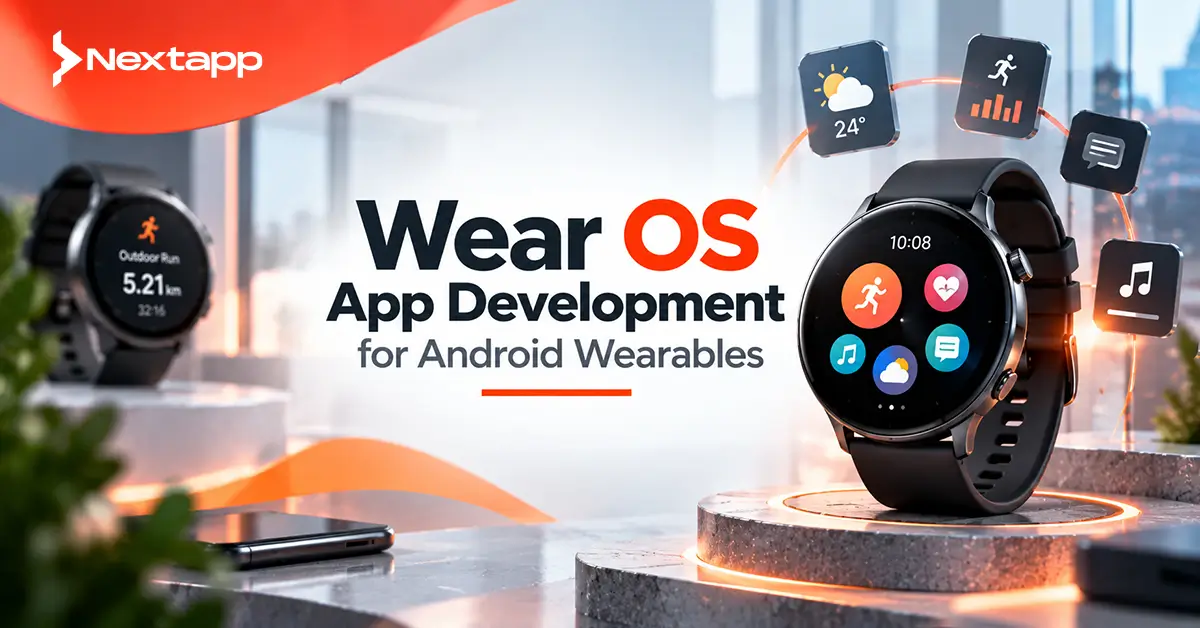
A fitness app can show heart-rate information during a workout. A delivery platform can alert a driver about the next task. A productivity app can surface reminders. A healthcare product can provide timely wellness information. A travel app can display boarding details with a quick glance at the wrist.
These experiences make Wear OS app development for Android wearables useful for businesses that already have a mobile product and want to make important actions faster and more accessible.
However, a Wear OS app should not simply copy the Android phone interface onto a smaller screen.
Smartwatches have limited display space, different interaction patterns, tighter battery constraints, and users who often want information within a few seconds.
Successful wearable apps therefore focus on the moments where wrist access genuinely improves the experience.
Understand What Wear OS Is
Wear OS is Google's smartwatch platform for compatible wearable devices.
Apps can provide experiences directly on the watch through surfaces such as:
Full Wear OS apps
Tiles
Complications and widgets
Notifications
Each surface serves a different purpose.
A full app can support deeper interaction.
A Tile provides fast access to important information or actions.
A complication can surface glanceable information directly from the watch face.
Notifications can alert the user when something requires attention.
The strongest Wear OS products usually do not rely on only one surface. They choose the right surface for each user need.
Start With the Business Reason for Building a Wearable App
Companies should not build a smartwatch app simply because they already have an Android app.
Start by identifying situations where using a phone creates unnecessary friction.
Good wearable opportunities usually involve:
Quick information
Immediate alerts
Short actions
Health or activity tracking
Hands-free workflows
For example, a field technician may benefit from seeing the next work order without pulling out a phone.
A warehouse employee could acknowledge an urgent task from the wrist.
A fitness user could start or pause a workout quickly.
During app prototyping, map the moments where a watch genuinely saves time.
If every task still requires five minutes of data entry, the smartphone may remain the better device.
Health and Fitness Are Major Wear OS Opportunities
Health and fitness remain natural use cases for wearable technology because the watch stays close to the user's body throughout the day.
Wear OS provides Health Services on supported devices to help applications work with health and fitness data.
Depending on device capabilities and the use case, applications may work with information related to:
Heart rate
Distance
Speed
Pace
Calories
Activity
Exercise
Health Services helps developers access processed health and activity information without building every sensor-processing algorithm themselves.
This can support products such as:
Fitness coaching
Running apps
Wellness programs
Corporate health platforms
Training applications
Businesses considering these products may benefit from experienced wearable app development services because sensor availability, permissions, battery behavior, privacy, and device differences all need careful planning.
Wear OS Can Extend Healthcare Experiences
Wearable technology can also complement healthcare applications.
Possible experiences include:
Medication reminders
Appointment alerts
Wellness tracking
Patient activity monitoring
Care-plan reminders
However, a smartwatch should usually display only the information necessary for the immediate task.
Sensitive medical information appearing on a watch face or notification can be visible to people nearby.
Healthcare teams therefore need to consider privacy alongside convenience.
Wearables can strengthen a broader healthcare platform, but they should not expose sensitive information simply because the screen is easier to access.
Notifications Work Well on the Wrist
Notifications are one of the strongest reasons to extend a mobile application to a smartwatch.
Users can see important events without reaching for their phones.
Examples include:
New message
Appointment reminder
Order update
Payment alert
Delivery assignment
Calendar event
The key word is important.
If the wearable vibrates for every minor event, users may quickly disable notifications.
Design notification logic around urgency and relevance.
A banking app might notify users about an unusual transaction.
A project-management tool may alert someone about an urgent approval.
Routine background activity may not deserve wrist-level interruption.
Tiles Provide Fast Access to Common Tasks
Wear OS Tiles are designed for quick, predictable access to important information and actions.
Users can reach Tiles by swiping through the watch interface.
A fitness Tile might show:
Today's activity
→ Start workout
A hydration app might show:
Water progress
→ Add glass
A field-service Tile might show:
Next job
→ Open assignment
Tiles should focus on one immediate user need.
Do not try to reproduce the entire application dashboard inside a Tile.
If users need more detail, the Tile can lead into the full Wear OS app.
Use Complications for Glanceable Information
Complications can display application information directly on compatible watch faces.
Useful examples include:
Step count
Upcoming event
Battery information
Weather
Activity progress
The user does not even need to open the app.
This makes complications valuable for information people check repeatedly throughout the day.
A complication should communicate something useful in a very small space.
Complex paragraphs, detailed charts, or multi-step workflows belong elsewhere.
Use Compose for Wear OS
Google recommends Compose for Wear OS for modern wearable UI development.
Developers familiar with Jetpack Compose on Android will recognize the declarative approach, but wearable components are designed for smaller watch displays and wrist interaction.
Wear-specific UI needs to account for:
Round screens
Small touch targets
Short interaction sessions
Scrolling behavior
Glanceable content
Do not simply reuse phone composables without reviewing whether they work well on a watch.
A layout that looks spacious on a 6.5-inch phone may become unusable on a smartwatch.
Design for Round and Small Displays
Wear OS devices can have different display sizes and shapes.
Content should remain visible and usable without touching screen edges or being cut off.
Keep the main information near the visual center.
Use readable typography.
Avoid overcrowding the interface with secondary information.
A good wearable screen often answers one question.
For example:
What is my heart rate?
What is my next appointment?
Which delivery comes next?
How long have I been exercising?
Trying to answer ten questions at once usually makes the experience worse.
Minimize Typing
A smartwatch keyboard exists for certain situations, but long-form text entry is rarely the best experience.
Avoid asking users to type:
Long usernames
Passwords
Addresses
Detailed reports
Google's Wear OS quality requirements specifically discourage requesting usernames or passwords directly on the watch.
Authentication flows can use the paired phone, appropriate account mechanisms, or other supported approaches.
For quick responses, consider:
Preset actions
Voice input
Simple selections
The watch should shorten interactions, not recreate desktop forms on a tiny display.
Decide Between Standalone and Companion Experiences
A Wear OS app can operate as a standalone product or work with a phone application.
A standalone fitness application, for example, may work directly on the watch.
A business application may depend more heavily on its Android phone counterpart.
Ask what the wearable needs when the phone is not nearby.
A companion architecture might divide responsibilities like this:
Phone app
→ account setup and detailed configuration
Wear OS app
→ alerts, quick actions, live activity
This prevents the watch from becoming unnecessarily complicated.
Keep Phone and Watch Data in Sync
Companion products need a clear data model.
A user might:
Start workout on watch
→ review history on phone
or:
Create task on phone
→ receive reminder on watch
→ mark complete on watch
→ phone updates
The system should define which device or backend is authoritative.
Do not build independent watch and phone databases that quietly drift apart.
Where possible, important user state should synchronize through a reliable shared backend or carefully designed device communication.
Battery Life Is a Core Product Requirement
Battery use matters more on a watch than on most phones.
A feature that constantly activates sensors, GPS, networking, or background work may drain a wearable quickly.
Google recommends planning for power efficiency from the beginning of Wear OS development.
Developers should think carefully about:
Sensor sampling
Location requests
Network calls
Background tasks
Synchronization frequency
Screen usage
Do not refresh information every few seconds when the user only needs an update every 15 minutes.
Wearable development involves deciding not only what the app can do, but how often it actually needs to do it.
Sensor Use Should Match the Experience
Continuous sensor monitoring can be useful during an active workout.
It may be unnecessary when the app is idle.
Health and fitness applications should use the appropriate Wear OS health APIs and lifecycle behavior rather than continuously running custom sensor code without considering power impact.
The same principle applies to location.
A running application may need active location during exercise.
A reminder app probably does not need constant GPS access.
Battery-efficient design makes users more likely to keep the application installed.
Test on Real Watches
Wear OS emulators are useful during development, but physical-device testing remains important.
Test areas should include:
Different display sizes
Round layouts
Touch interaction
Notifications
Tiles
Battery behavior
Sensors
Phone connectivity
Google's current Wear OS quality guidance recommends testing applications on Wear OS 3 and later and checking representative small and large round displays.
Physical testing is especially important for sensor-heavy applications because emulator behavior cannot fully reproduce real-world movement and hardware.
Plan for Current Google Play Requirements
Wear OS apps distributed through Google Play need to satisfy Wear OS-specific quality requirements.
These cover areas such as:
Target API level
Stability
Authentication
UI quality
Watch-screen compatibility
Play listing information
Current requirements also continue evolving.
As of July 2026, Wear OS applications submitted to Google Play need to meet the current Android 14/API 34 target requirement. From August 31, 2026, new Wear OS apps and updates will need to target Android 15/API 35 or higher.
Wear OS applications will also need 64-bit architecture support beginning September 15, 2026.
Development teams planning launches after these dates should build against the upcoming requirements rather than creating avoidable migration work immediately after release.
Watch Faces Have Separate Requirements
A watch face is not the same product as a conventional Wear OS application.
Google now requires the Watch Face Format for installing watch faces across Wear OS devices.
Businesses developing branded or specialized watch faces should therefore review current Watch Face Format requirements separately from normal app development.
Do not assume the architecture used for an interactive workout application should also be used for a watch face.
Think Beyond the Watch
Wear OS is one part of the larger Android device ecosystem.
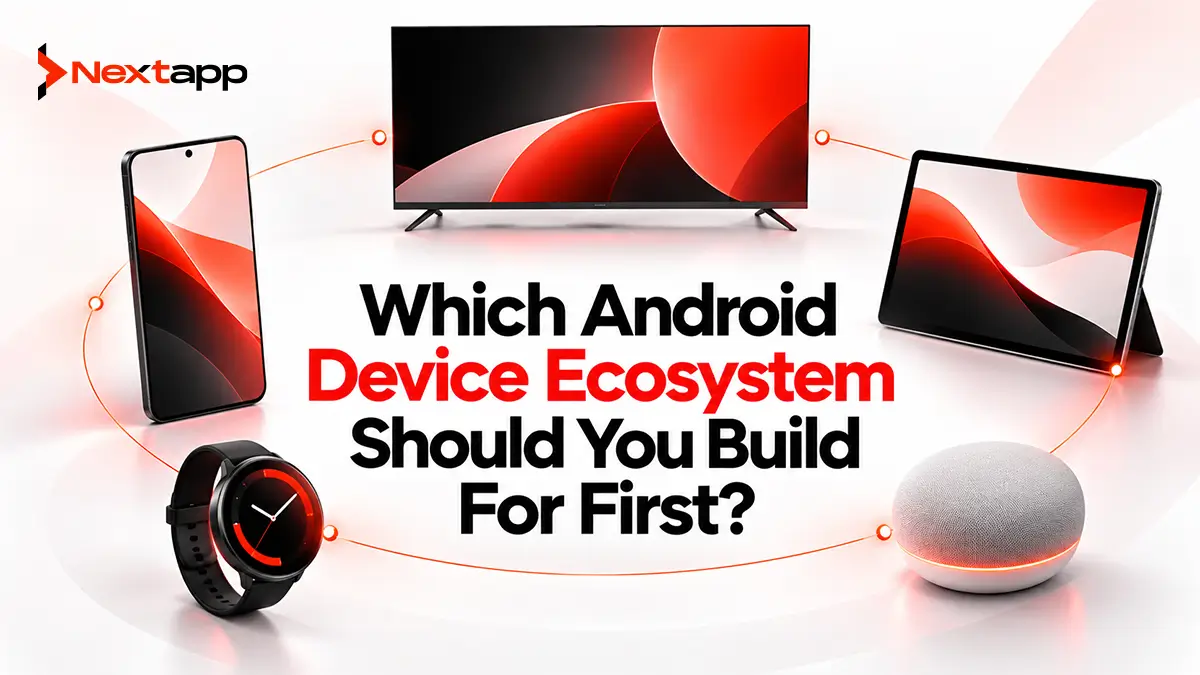
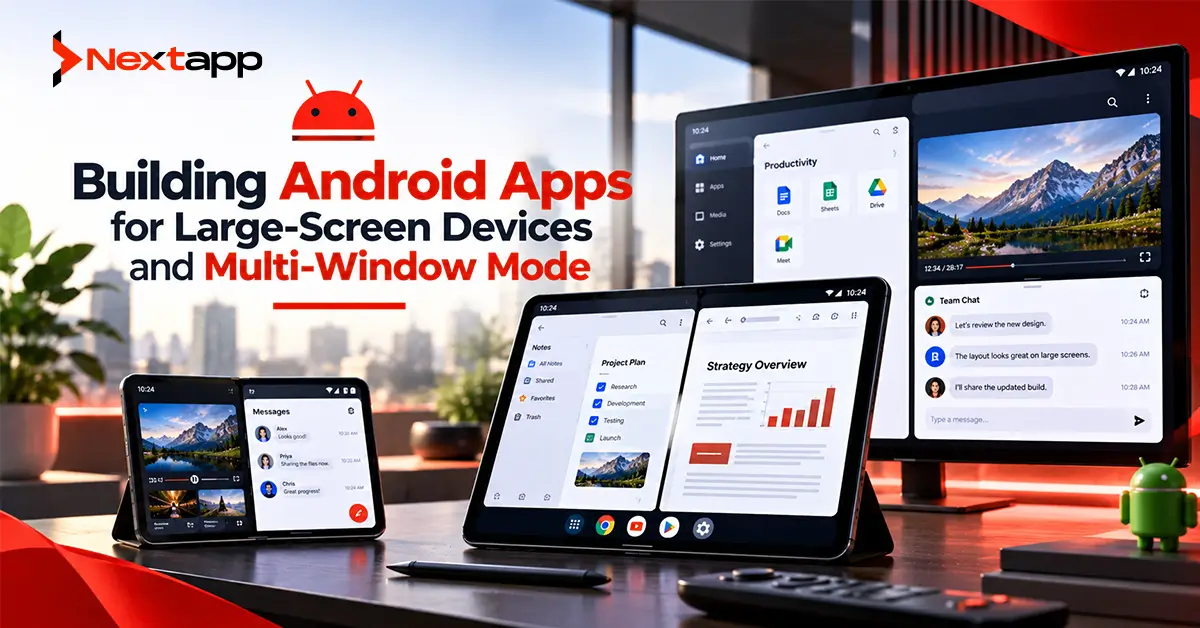
A company considering wearable development may also be evaluating an Android TV app development guide, Android Auto app development basics, or building Android apps for large-screen devices and multi-window mode.
Each platform solves a different user problem.
Wear OS fits moments that benefit from:
Glanceable information
Wrist-based alerts
Health sensors
Very short interactions
A broader guide on which Android device ecosystem should you build for first can help businesses compare these opportunities based on audience, product fit, development effort, and expected business value.
Cross-Platform Strategy Still Needs Wearable Planning
Businesses using Flutter app development, React Native app development, or broader cross platform app development may already share substantial code between mobile platforms.
Wearable experiences still need platform-specific planning.
A Wear OS application has different:
UI expectations
Sensors
Background behavior
Watch surfaces
Power constraints
Native iOS app development also has its own Apple Watch ecosystem.
The business logic may be shared in some situations, but simply shrinking the same mobile interface for both watch platforms is rarely enough.
Market the Wearable Benefit Clearly
Public Wear OS apps also need thoughtful app store optimization.
The Google Play listing should explain the reason someone should install the watch experience.
Instead of saying:
“Now available on Wear OS”
explain what the user gains.
Examples include:
“Track your workout without reaching for your phone.”
“See your next field assignment from your wrist.”
“Get important account alerts instantly.”
The wearable benefit should be obvious.
Build Wear OS Around Quick Value
Wear OS app development for Android wearables works best when the watch makes an existing experience faster, easier, or more immediate.
Health and fitness companies can use wearable sensors to support exercise experiences.
Enterprise teams can surface tasks and alerts.
Productivity applications can provide quick reminders and actions.
Consumer products can extend important mobile functionality to the wrist.
Professional Android app development services can help businesses determine how Wear OS fits into a larger Android product strategy, while dedicated wearable app development services can address watch-specific interaction, sensor integration, Tiles, complications, battery optimization, testing, and Play Store requirements.
A smartwatch app does not need to contain everything the phone app contains.
It needs to provide the right thing at the moment looking at a wrist is easier than reaching for a phone.
Frequently Asked Questions
What is Wear OS app development?
Wear OS app development is the process of building applications and wearable experiences for smartwatches running Google's Wear OS platform. Apps can use watch interfaces, Tiles, notifications, complications, sensors, and other wearable capabilities.
Should every Android app have a Wear OS version?
No. Wear OS is most useful when users benefit from quick information, short actions, notifications, health tracking, or other wrist-based interactions. Complex phone workflows may not provide enough value on a smartwatch.
Can Wear OS apps track health and fitness data?
Yes. Wear OS 3 and later includes Health Services, which can provide applications with health and fitness information supported by the device, including metrics associated with activity and exercise.
Can a Wear OS app work without a phone?
Yes. Wear OS supports standalone applications, but whether an app should operate independently depends on its features, authentication, networking, and business requirements.
Is Jetpack Compose used for Wear OS?
Yes. Google recommends Compose for Wear OS for modern Wear OS interface development. It provides wearable-specific components and patterns designed for smartwatch displays and interactions.
Can Flutter or React Native be used for Wear OS development?
Some shared technologies and code may be useful, but Wear OS applications still require careful handling of watch-specific UI, sensors, Tiles, complications, battery behavior, and platform APIs. Businesses should evaluate the actual wearable requirements before deciding how much code can realistically be shared.