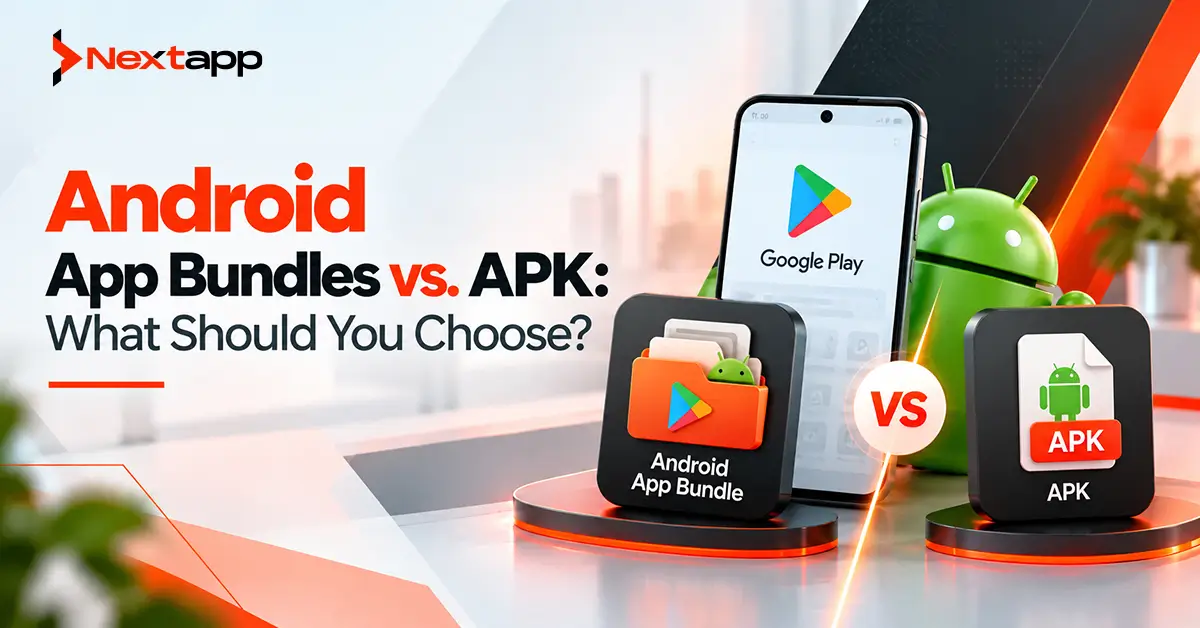
Android developers can produce an application in different distribution formats, but Android App Bundles and APKs serve different purposes.
An APK is the package Android devices actually install and run.
An Android App Bundle, or AAB, is primarily a publishing format. Instead of creating one installable package containing resources for every supported device, developers upload the bundle to a distribution platform such as Google Play. Google Play then generates APKs optimized for individual device configurations.
For most new applications being released through Google Play, the decision has effectively moved toward Android App Bundles because Google Play requires new apps to use the bundle format.
However, APKs have not disappeared.
They remain important for direct installation, testing, enterprise distribution, some alternative app stores, and other scenarios where an installable Android package is needed.
The practical Android App Bundles vs. APK decision therefore depends less on which format is "better" and more on where and how you plan to distribute the application.
Android App Bundle and APK at a Glance
Factor | Android App Bundle | APK |
|---|---|---|
Main purpose | Publishing format | Installable application package |
File extension | .aab | .apk |
Directly installable | No | Yes |
Google Play new apps | Standard required publishing format | Not the standard format for new Play apps |
Device optimization | Google Play generates optimized APKs | Developer packages the APK |
Sideloading | Requires generated APKs first | Directly installable |
Dynamic delivery | Supports Play delivery features | More limited |
Best use | Google Play publishing | Testing, sideloading, direct distribution |
The important distinction is simple.
You publish an AAB.
You install an APK.
What Is an APK?
APK stands for Android Package Kit.
It is the executable package Android uses to install an application.
An APK can contain:
Compiled application code
Resources
Android manifest
Assets
Native libraries
Certificates
When someone downloads an Android app outside Google Play and manually installs it, they are typically installing an APK.
Developers can also generate APKs during development for:
Local testing
QA
Internal distribution
Device testing
Alternative distribution channels
Traditional Android publishing often involved creating one universal APK or maintaining multiple APKs optimized for different devices.
The Android App Bundle reduced much of this manual distribution work for Google Play releases.
What Is an Android App Bundle?
An Android App Bundle is a publishing package with the .aab extension.
It contains the application's compiled code and resources, but it is not directly installed by the user.
Instead, Google Play processes the bundle and creates the APKs needed for each device.
For example, your complete application may contain resources for:
Multiple screen densities
Different CPU architectures
Several languages
A universal APK could include many of these resources even though one user's device only needs a portion of them.
With an App Bundle, Google Play can deliver the resources that match that user's device configuration.
The result can be a more efficient download.
Google Play Makes the Choice Easier
For teams launching a new consumer application through Google Play, the format decision is straightforward.
Use an Android App Bundle.
Google Play has required new applications to publish using AAB since August 2021.
The Play Store then creates and distributes the appropriate APKs to users.
This means release managers generally do not need to generate multiple device-specific APKs for Play Store distribution.
The release process becomes:
Build signed AAB
→ upload AAB to Google Play
→ Google Play processes bundle
→ optimized APKs are generated
→ user receives appropriate APKs
Developers still need to test the final delivery behavior, but much of the packaging complexity moves to Google Play.
App Bundles Can Reduce Unnecessary Download Size
One of the main benefits of the App Bundle format is optimized delivery.
Imagine your application includes:
ARM libraries
x86 libraries
High-density images
Medium-density images
Ten languages
A particular user may need only:
ARM libraries
High-density images
English resources
Google Play can generate the appropriate split APKs instead of making that user download every configuration bundled with the app.
Smaller downloads can improve the installation experience, particularly for users with slower connections or limited device storage.
This can indirectly support Android app store optimization for Google Play because the store experience does not end when someone taps Install. Download efficiency, stability, onboarding, and product quality all contribute to the overall user experience.
App Bundles Support Modular Delivery
AAB distribution also supports Play delivery capabilities.
Developers can create feature modules so certain functionality is delivered based on conditions or downloaded when needed.
For example, an application might contain a large photo-editing feature that only some users need.
Rather than including everything in the initial installation, that feature may be delivered separately through the appropriate Play delivery approach.
Large games can similarly manage substantial asset requirements using Play's asset-delivery capabilities.
This gives teams more flexibility than packaging every possible resource into one large initial application download.
APKs Are Better for Direct Installation
The biggest limitation of an App Bundle becomes obvious when you try to install one.
You cannot simply send a .aab file to someone and tell them to open it on their Android phone.
The bundle first needs to be converted into installable APKs.
An APK, however, can be distributed directly.
This makes APKs useful for scenarios such as:
Manual QA builds
Internal testing
Client demonstrations
Sideloading
Direct website distribution
Some enterprise deployments
Alternative stores requiring APKs
For example, a QA engineer testing a development build outside Google Play may simply receive an APK and install it on a test device.
AAB Does Not Eliminate APK
A common misconception is:
"Google replaced APK with AAB."
Technically, that is not what happened.
Android devices still run installed APKs.
The App Bundle changes how those APKs are created and distributed.
When a user installs a bundle-published application through Google Play, Play generates the appropriate APKs from the bundle and delivers them to the device.
The relationship is therefore:
AAB = publishing package
APK = installable package
Understanding this distinction helps release managers avoid treating them as two interchangeable versions of exactly the same file.
Play App Signing Matters for AAB Releases
Google Play needs to generate final APKs from the uploaded App Bundle.
Those APKs must also be signed.
Play App Signing allows Google Play to manage the app-signing key and sign the APKs it generates for distribution.
Developers maintain an upload key that is used when submitting releases.
This separation can simplify key management while protecting the signing process.
Signing decisions should still be taken seriously.
The app-signing identity affects future updates, integrations, API configurations, and long-term ownership of the application.
Release teams should document signing responsibilities before the first production release.
Testing an App Bundle Requires the Right Workflow
Because an AAB cannot be installed directly, teams should not treat local APK testing as the only validation step before launch.
You need to verify what users will actually receive.
Testing can include:
Internal testing tracks
Internal app sharing
Device-specific APK testing
Different CPU architectures
Different screen densities
Multiple languages
Dynamic features
A problem may appear only in one generated device configuration.
For example, an incorrectly packaged native library could work on one test device but fail on another architecture.
Release testing should therefore reflect the distribution method.
APK Still Matters Outside Google Play
Google Play is the dominant Android distribution channel for many consumer apps, but it is not the only way Android applications reach users.
An organization may distribute applications through:
Other app marketplaces
Enterprise systems
Company websites
Device manufacturers
Direct installation
Some alternative platforms support AAB, while others may request APKs.
Building an App Bundle for Google Play does not prevent a development team from producing an APK for another channel.
A multi-store release strategy should define the format required by each distributor.
Cross-Platform Frameworks Can Produce Android Release Artifacts
Teams using Flutter app development or React Native app development still need to make Android packaging decisions.
A cross-platform framework changes how much application code can be shared.
It does not remove Android's distribution requirements.
A cross platform app development project may ultimately produce:
Android AAB for Google Play
→ Android APK for direct testing or another store
→ iOS build for Apple's ecosystem
Native iOS app development uses a completely different application packaging and distribution model.
This is why release planning should be platform-specific even when most business logic is shared.
Distribution Should Be Planned During Prototyping
Distribution may sound like something to consider after development, but important questions should appear during app prototyping.
Ask:
Will the app launch only on Google Play?
Will enterprises need direct distribution?
Will there be private builds?
Are large downloadable features involved?
Will the app appear in alternative stores?
Are instant experiences part of the strategy?
Teams exploring Android Instant Apps and their use cases may also need to plan modular delivery earlier because the user journey differs from a traditional full installation.
Distribution architecture can influence technical architecture.
Monetization Works Independently of the Packaging Decision
Teams using Google Play Billing for in-app purchases and subscriptions should not confuse billing architecture with application packaging.
Google Play Billing handles eligible digital purchases and subscription transactions.
The App Bundle handles application publishing and delivery.
A SaaS application may therefore use:
AAB
→ Google Play distribution
Google Play Billing
→ subscription purchase
Backend
→ entitlement management
Each component solves a different problem.
Measure the Release After Publishing
Publishing an App Bundle is not the end of release management.
Teams should use Google Play Console analytics for app growth to understand how the application performs after launch.
Monitor:
Installation behavior
Device compatibility
Crashes
ANRs
Acquisition
User feedback
A technically successful upload does not guarantee a successful release.
Distribution decisions should support the broader app store optimization and product-growth strategy.
Which Should You Choose?
For most release managers, the answer depends on distribution.
Choose an Android App Bundle When:
Publishing a new app on Google Play
You want Play-generated device optimization
You need Play Feature Delivery
You want simplified Play Store distribution
You want users to receive configuration-specific resources
Choose an APK When:
You need direct installation
You are sideloading an app
You need a simple QA build
You distribute through a channel requiring APKs
You are supporting a legacy or specialized distribution workflow
Many development teams use both.
The production Play release may be an AAB while developers continue generating APKs for testing and other channels.
The Best Format Depends on Distribution
The Android App Bundles vs. APK debate is not really about selecting one format and abandoning the other.
The formats solve different problems.
Android App Bundles are designed for publishing. For new Google Play applications, they are the expected release format and allow Google Play to generate optimized APKs for each supported device.
APKs remain Android's installable application format and continue to be useful for testing, sideloading, enterprise use, and direct distribution.
Professional Android app development services should plan both build and distribution strategy before release so signing, testing, device compatibility, store publishing, and alternative delivery channels remain predictable.
For a Google Play-first product, build the AAB for production.
Keep APKs available where direct installation still has a purpose.
Frequently Asked Questions
What is the main difference between AAB and APK?
An Android App Bundle is primarily a publishing format, while an APK is an installable Android application package. Google Play processes AAB files and generates APKs that are installed on users' devices.
Can I install an AAB directly on an Android phone?
No. An AAB is not directly installable. It must first be processed into appropriate APKs before the application can be installed on an Android device.
Does Google Play require Android App Bundles?
Google Play requires new apps to use the Android App Bundle publishing format. Existing and specialized release situations can have different considerations, so release managers should check current Play requirements before submission.
Are APK files still used?
Yes. Android devices still install APKs. APKs are also useful for development testing, sideloading, direct distribution, and some alternative app stores or enterprise scenarios.
Does an App Bundle reduce app size?
It can reduce the amount users need to download because Google Play can generate and deliver APKs containing the code and resources needed for a specific device rather than sending every configuration resource.
Can I build both an AAB and an APK?
Yes. Development teams can generate different Android release artifacts based on distribution requirements. An app may use an AAB for Google Play while using APK builds for testing or other distribution channels.